
- Signal version 8.30 adds on-device backups to iOS and Signal Desktop.
- The update separates media files and removes duplicate copies to reduce storage use.
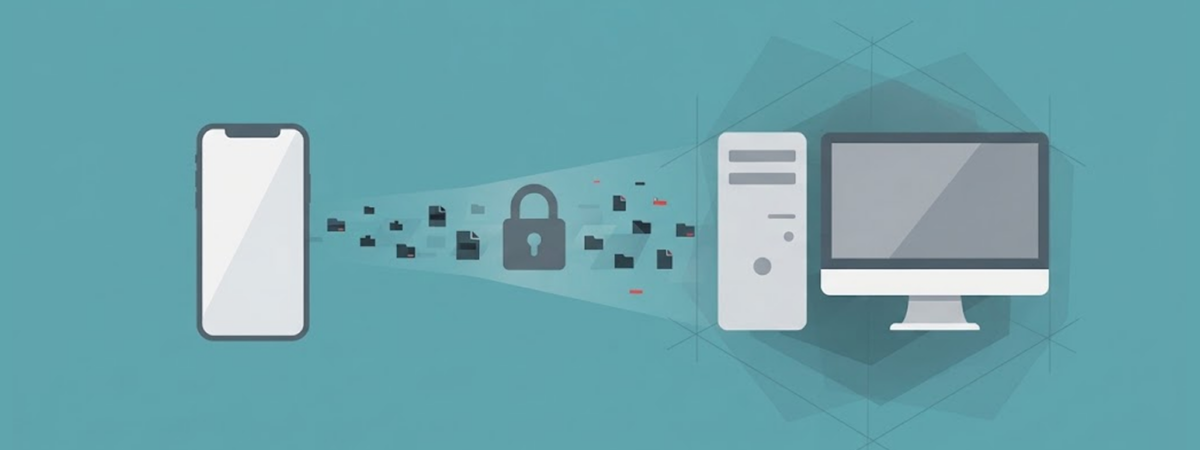
- iPhone users can also transfer Signal data directly through an encrypted Wi-Fi Aware connection.
Signal has expanded its backup system to more platforms with the release of version 8.30. The update brings on-device backups to iOS and Signal Desktop while also changing how Android handles backup files.
The rollout gives users more control over where they keep encrypted copies of their chats. Signal says the wider system now supports backups across Android, iOS, Linux, macOS, and Windows.
Signal Brings Local Backups to More Devices
Signal first introduced its Secure Backups feature on Android in 2025. The system lets users recover their messages if they lose a phone or move to another device. Version 8.30 now adds on-device backups to iOS and desktop. Signal also redesigned Android backups around the same cross-platform format.
Users can choose between Signal-hosted backups and local backups. Both options use end-to-end encryption and require a recovery key.
Signal’s hosted option stores encrypted data on its servers. Free users can save their messages and up to 45 days of media. Paid users can store up to 100 GB of media. Local backups work differently. They keep encrypted backup data on a device or another location chosen by the user.
The local option also removes the storage limit linked to the hosted free plan. Users can therefore keep larger backup collections without relying on Signal’s hosted storage. However, the recovery key remains critical. Signal says it cannot recover or reset the key if users lose it.
New Backup System Saves More Storage
Signal has also changed how local backups store media. Previously, Android could place backup content into one large archive. The new system separates media from the main backup data. It also stores duplicate files only once.
This change can reduce unnecessary storage use. It can also make it easier for users to copy backups to another location. For example, users can mirror a local backup to an external hard drive or a NAS device. Signal says the separate media storage makes that process easier.
Paid users also receive another storage option. They can remove older media from local storage while keeping smaller thumbnails. Signal can then retrieve the full media files from hosted backups when needed.
Meanwhile, disappearing messages receive special treatment. Messages configured to disappear within 24 hours do not enter the backup archive.
The rule applies to both hosted and local backups. During restoration, Signal also skips expired disappearing messages from local backups. This approach keeps temporary conversations outside the long-term archive. It also prevents an expired message from returning simply because a user restored an older backup.
iPhone Users Get Faster Device Transfers
The iOS 8.30 release adds another major change for iPhone users. Signal now supports direct iPhone-to-iPhone transfers through a local encrypted wireless connection. The feature uses Wi-Fi Aware to connect the two devices locally. Signal says the method improves transfer speed and reliability.
Users still need access to their old iPhone for a direct transfer. The support documentation says both phones must meet the required setup conditions. The company already supported direct transfers between compatible devices. The latest changes build on that system while adding the new backup options.
Signal also says users can move their chats between different supported platforms through Secure Backups. That makes the backup system useful for people moving from Android to iPhone or the other way around.
However, local backups and hosted Secure Backups do not work in exactly the same way. Users should check which backup type their device supports before switching phones. The recovery key also remains an important part of the process. Without it, users cannot decrypt their encrypted backup.
Signal Completes the First Backup Phase
Signal says version 8.30 completes the first phase of its backup project. The company now plans to shift engineering attention toward improvements outside the backup system. The wider rollout marks a major change for Signal users who previously faced difficulties recovering old conversations after losing access to a device.
Now, users have more ways to preserve their chat history. They can use the hosted backup system of Signal or keep encrypted copies locally. The changes also give users greater control over storage. Separate media files, duplicate removal, and local storage options can reduce unnecessary backup data.
At the same time, Signal keeps encryption at the center of the system. WhatsApp is also testing on-device privacy protections, with a new scam alert feature that checks messages without reading their contents. Users still need their recovery keys to access protected backups. The company introduced Secure Backups as an optional feature. Users do not have to activate it if they prefer not to create backup archives. For users who enable the feature, however, version 8.30 makes Signal’s backup system broader and more flexible across devices.
Share this article
About the Author

Rebecca James is an IT consultant with forward thinking approach toward developing IT infrastructures of SMEs. She writes to engage with individuals and raise awareness of digital security, privacy, and better IT infrastructure.
More from Rebecca JamesRelated Posts
Hacker Claims 4.5 Million Records Linked to Italian Hotel Software Firm WuBook Leaked
An underground forum user says they leaked 4.5 million names and IDs tied to WuBook, an Italian hote...
Armenian Ryuk Ransomware Hacker Sentenced to 2 Years in US Prison
Armenian national Karen Vardanyan received 24 months in prison and three years of supervised release...
Leaked EU Draft Could Let AI Companies Use Personal Data Without Consent
A leaked EU document could let AI companies use personal data without your consent. The draft remove...
Dark Web Seller Claims Android 14–16 Zero-Day Exploit Chain is for Sale
A dark web operator, xynapse, offers an unconfirmed zero-day exploit chain for Android versions 14 t...
Ukrainian Ransomware Developer Sentenced to Nearly 13 Years in Switzerland
A court in Zurich handed a 52-year-old Ukrainian man a sentence of 12 years and nine months for his ...
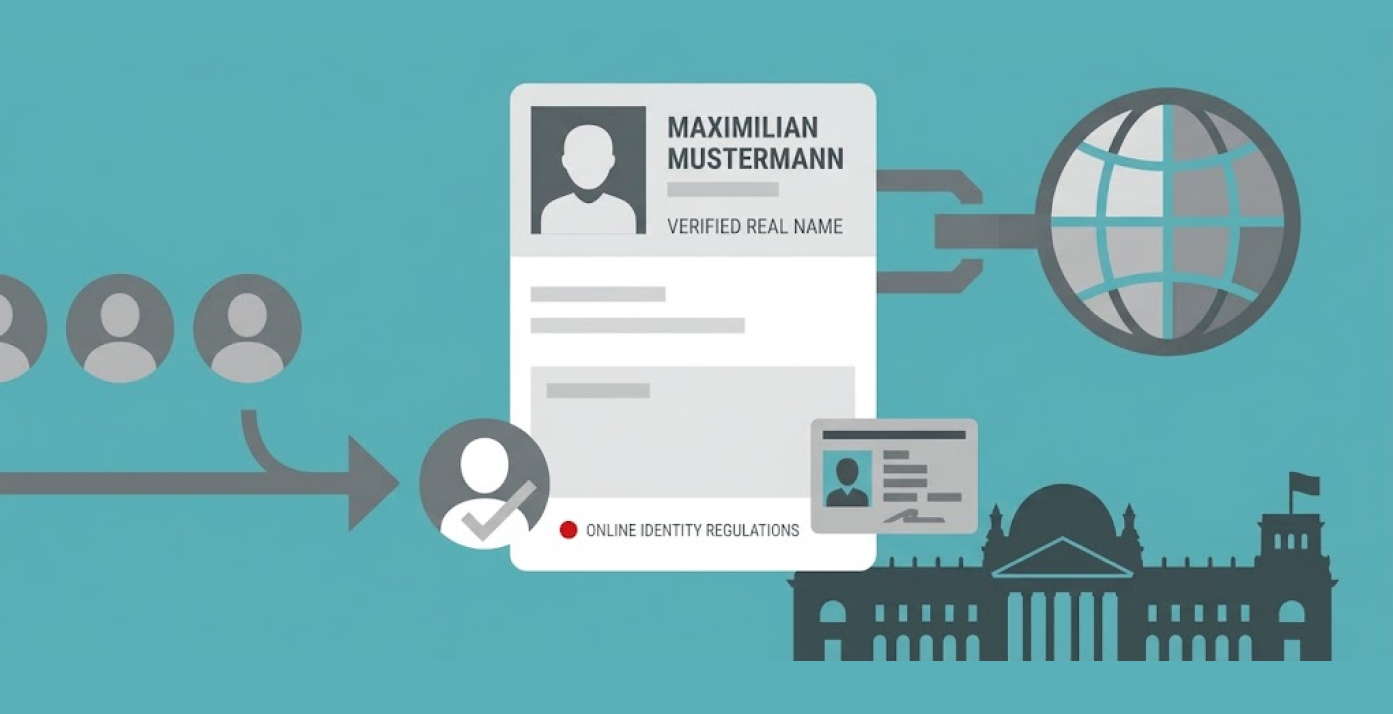
German Chancellor Merz Renews Call for Real-Name Internet Rules Amid Privacy Debate
German Chancellor Friedrich Merz reaffirmed his position on the adoption of real name policy on the ...